What is a custom property?
A custom property is a key-value pair that you can add to an LLM log when sending an LLM log to Respan. It can help you tag and filter LLM logs.
Why use custom properties?
- Tag and filter LLM logs in your way.
- Add any additional information to your logs.
How to pass custom properties
You can pass custom properties to Respan by adding a metadata field to the request body.
OpenAI Python SDK
OpenAI TypeScript SDK
Standard API
Other SDKs
Here is an example of how to send 2 custom metadata to Respan in the OpenAI Python SDK.from openai import OpenAI
client = OpenAI(
base_url="https://api.respan.ai/api/",
api_key="YOUR_RESPAN_API_KEY",
)
response = client.chat.completions.create(
model="gpt-4o-mini",
messages=[
{"role": "user", "content": "Tell me a long story"}
],
extra_body={
"metadata": {
"env": "production",
"language": "en"
}
}
)
Here is an example of how to send 2 custom metadata to Respan in the OpenAI TypeScript SDK. In OpenAI TypeScript SDK, you should add a // @ts-expect-error before the metadata field.import { OpenAI } from "openai";
const client = new OpenAI({
baseURL: "https://api.respan.ai/api",
apiKey: "YOUR_RESPAN_API_KEY",
});
const response = await client.chat.completions
.create({
messages: [{ role: "user", content: "Say this is a test" }],
model: "gpt-4o-mini",
// @ts-expect-error
metadata: {
"env": "production",
"language": "en"
}
})
.asResponse();
console.log(await response.json());
import requests

url = "https://api.respan.ai/api/request-logs/create/"
payload = {
    "model": "gpt-4o-mini",
    "prompt_messages": [
        {
            "role": "user",
            "content": "Hi"
        },
    ],
    "completion_message": {
        "role": "assistant",
        "content": "Hi, how can I assist you today?"
    },
    "metadata": {
        "env": "production",
        "language": "en"
    }
    # other parameters
}
headers = {
    "Authorization": "Bearer YOUR_RESPAN_API_KEY",
    "Content-Type": "application/json"
}

response = requests.request("POST", url, headers=headers, json=payload)
We also support adding credentials in other SDKs or languages, please check out our integration section for more information. Filter dashboard metrics
To use custom properties for filtering in the dashboard, you need to index the custom properties in the platform, otherwise the custom properties will not be available for filtering.
Filtering by custom properties in the dashboard is only available for Team plan and Enterprise plan users.
Filters in dashboard
After indexing the custom properties, you can filter the dashboard metrics by the custom properties.
Filter Logs
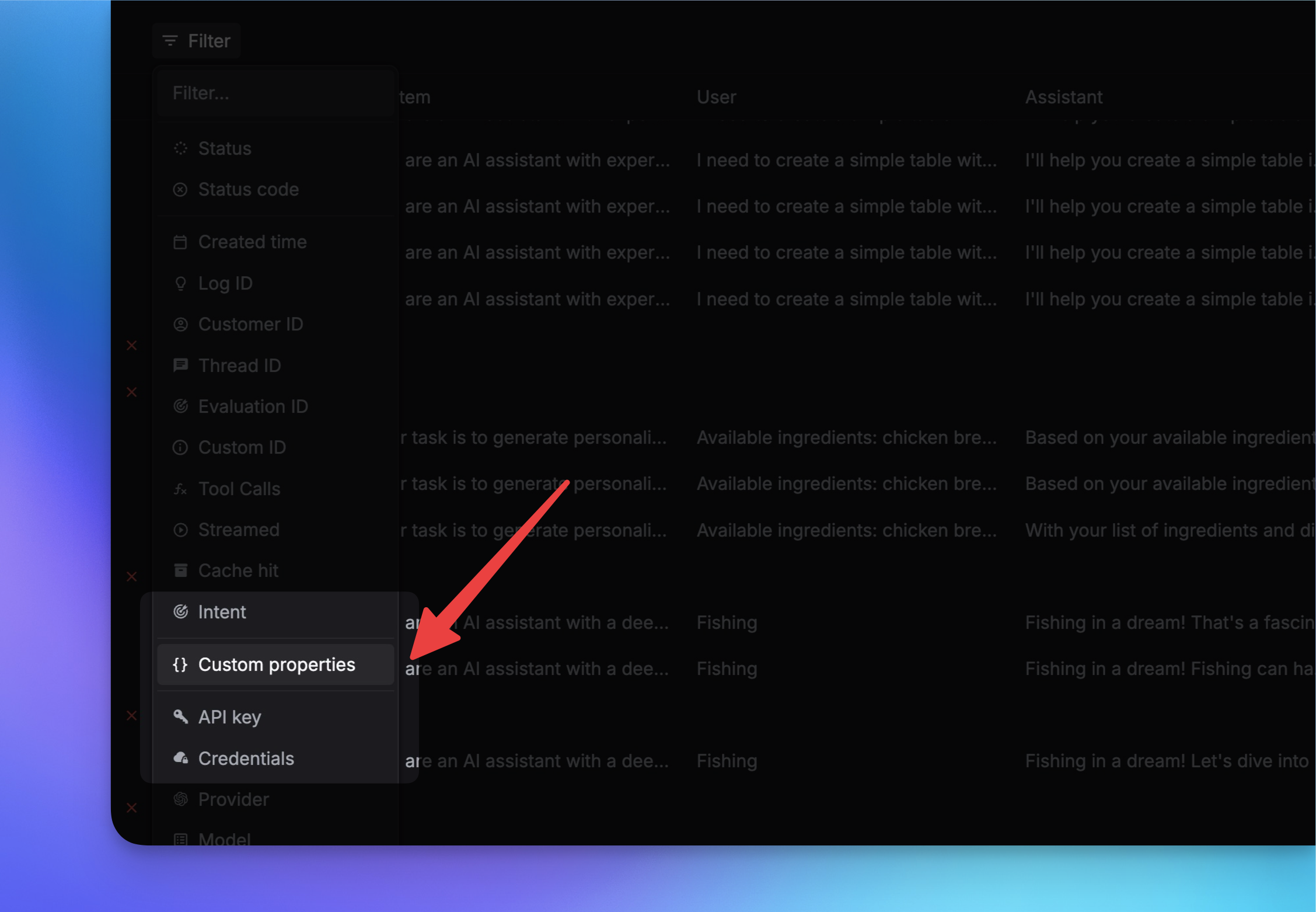
You can also filter logs by custom properties on the Logs page. Just click on the Filter button to filter the logs by the Custom properties.
Update custom properties
You can also update the custom properties of a log through the API.
Here are the steps to update the custom properties of a log:
Get unique_id of the log
You need first to get the unique_id of the log you want to update. You can get the unique_id from the Logs list endpoint. OR you can get the unique_id from Logs page’s Log ID column. Send the API request
Pass the unique_id to the /api/request-logs/batch-update/ endpoint with the metadata and notes you want to update.import requests
url = "https://api.respan.ai/api/request-logs/batch-update/"
api_key = "YOUR_KEY" # Replace with your actual Respan API key
data = {
"logs": [
{ "unique_id": "xxxxxx",
"metadata": {
"env": "production",
"language": "en"
},
"note": "updated note"
}
# other logs to update
]
}
headers = {
"Authorization": f"Bearer {api_key}",
"Content-Type": "application/json"
}
response = requests.patch(url, headers=headers, json=data)
print(response.json())